

OD OurDream AICanada Try OurDream
Try OurDream

Create Your Own AI Girlfriend

A preset character is a starting point, not a personality. Building your own means deciding how she looks, how she talks, and what the two of you are to each other — and those first choices shape every conversation that follows.

Style Realistic
Hair Long, dark
Look Natural
Fashion Evening
Personality Romantic
Relationship Girlfriend
Voice Soft & low
Soft & lowCalm, measured pace
Bright & quickUpbeat, faster delivery
Warm & huskyLower register, slower
Preview panel showing a character assembled from the appearance, personality and voice controls
Your character Realistic · Long, dark · Natural · Evening · Romantic · Girlfriend · Soft & low
Preview only Not a live generator
Open the Character Creator on OurDream

Preview only — character creation happens on OurDream. These controls change the description above and nothing else. No image is generated, no character is saved, and nothing leaves your browser.

Static demonstration panel. The real creator, image generation and saved characters live on OurDream.

Step One · Appearance

What Actually Matters Visually

Appearance settings are where most people spend the longest and get the least return. Two things genuinely change the result: whether the same face survives a change of outfit and lighting, and whether the style you picked is held consistently across every image.

Everything else — the exact shade of lipstick, a necklace, the precise colour of her eyes — rarely survives the trip into a generated image. Piling on constraints also gives the system more to compromise on, and the face drifts. A short, confident description usually produces a more consistent character than a fussy one.

  • Worth deciding carefully — realistic, anime or stylized, held for every image
  • Worth deciding once — hair length and colour, general fashion register
  • Not worth over-specifying — jewellery, exact makeup shades, small accessories
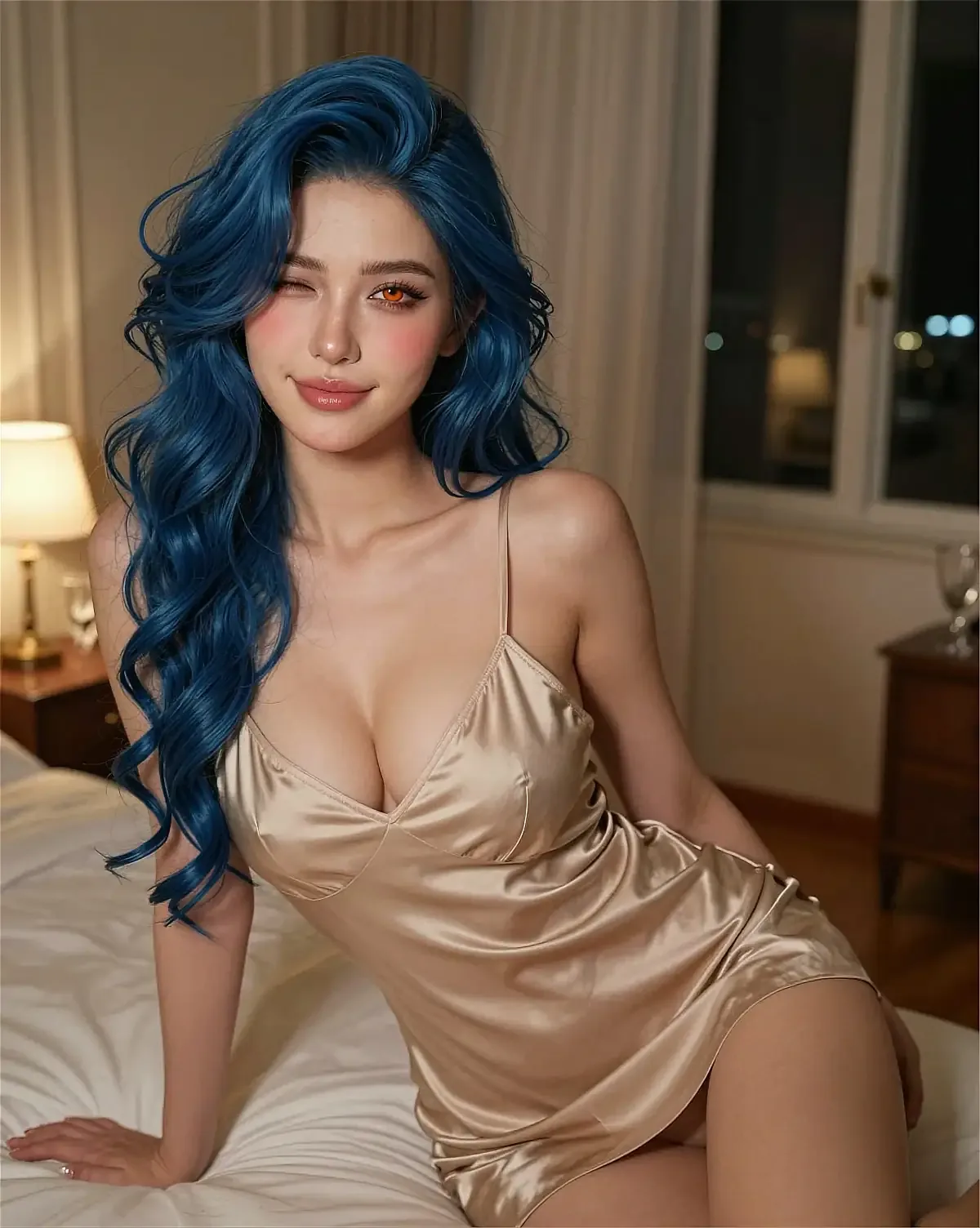
Character portrait illustrating how hair, styling and lighting combine in appearance settings

The First Real Decision

Realistic or Anime?

This is the choice that changes the most and is hardest to reverse later. It's also the one people make fastest, usually in the first ten seconds of browsing. Worth slowing down for.

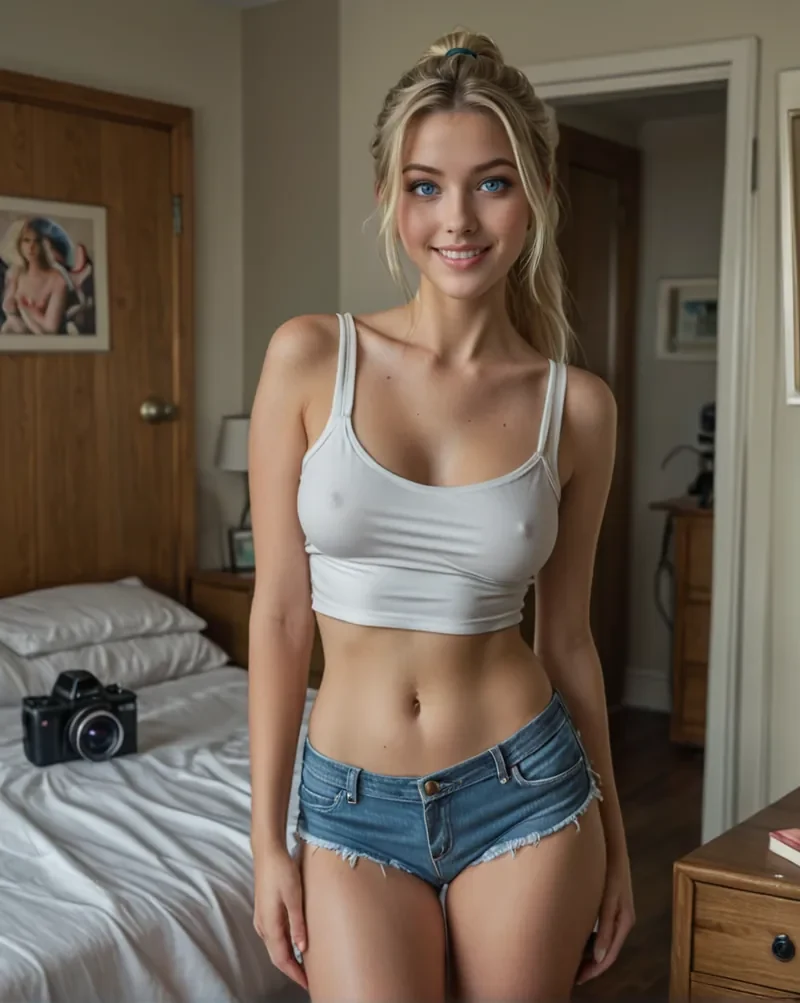
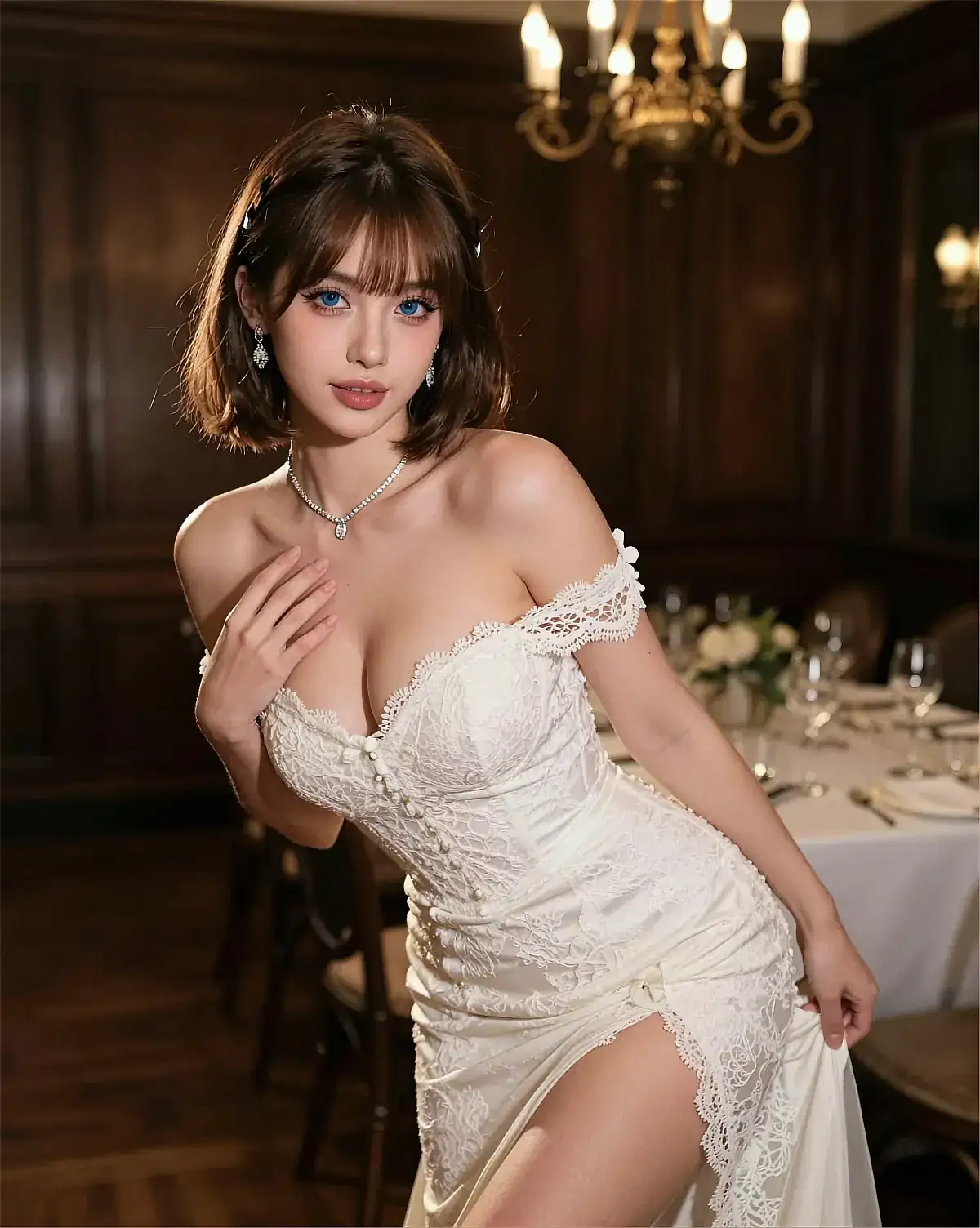
Realistic-style character portrait used to compare against an anime-style character

Realistic

Photographic rendering, natural lighting, believable everyday settings. The conversation feels like it's happening with someone who could plausibly exist, and small details — a tired expression, a badly lit room — carry emotional weight that a drawn style can't reach.

The cost is consistency. Realistic faces are sensitive to angle, expression and lighting, so the same character can read as a different woman between two images. You'll get better results with a narrower range of poses and a smaller gallery.
Grounded Harder to keep consistent
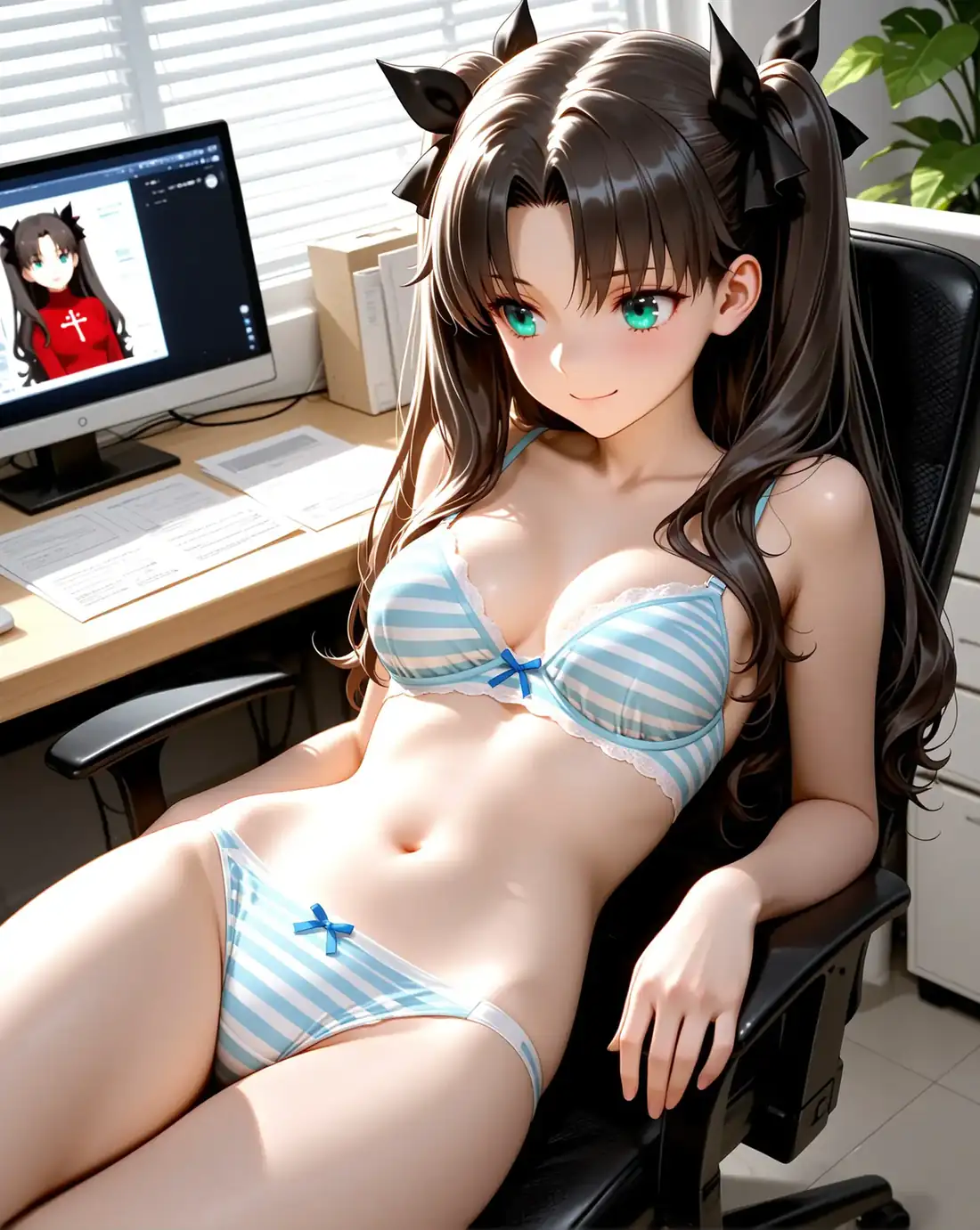
Anime-style character portrait used to compare against a realistic character

Anime

An illustrated style with simplified features and unmistakable emotional signalling — surprise, embarrassment and irritation all read instantly. It's more forgiving of pose changes, because the face is a set of drawing conventions, not an anatomy.

The cost is register. An anime character reads as a character rather than a person, and some personality settings land as cartoonish next to a realistic portrait. It also narrows the range of conversations that feel natural in the first place.

Expressive More consistent
How to actually decide

Match the style to the conversations you want. Slow, grounded, everyday chats suit a realistic character. Fast, emotional, scenario-driven chats suit anime. Neither is the higher-quality option — they're two different visual languages, and the wrong one will feel off no matter how well it's executed.

If you'd rather not build from scratch, the alternative is picking from a library — see how to choose between preset characters.

Step Two · Personality

The Setting You'll Notice on the First Message

Appearance decides what she looks like. Personality decides what she says back. Send the same line to two characters built from identical appearance settings and the difference is immediate.

Aria · Romantic Online

I'm thinking about quitting my job.

Okay. Say that again properly — how long have you been sitting on this?

A few weeks.

Then I'm glad you told me before you did it. What's the part you're most afraid of?

Message Aria…

Illustrative conversation. Chat runs on OurDream, not on this website.

Nova · Confident Online

I'm thinking about quitting my job.

Good.

That's it? Good?

You've been miserable since March. I'm not going to pretend this is a hard call. What's the plan for money?

Message Nova…

Illustrative conversation. Chat runs on OurDream, not on this website.

Personality settings are not a slider between good and bad. A confident character who argues with you is working as intended; a romantic one who never disagrees is also working as intended. The question is which of those you'd rather talk to on a bad day. The mechanics behind it are covered in how AI girlfriend chat handles personality and memory.

Step Three · Relationship

The Framing Changes More Than You'd Expect

Relationship type is the setting people skip and then wonder about. It sets the baseline assumption behind every message — how close she is, how much she checks in, and whether affection is on the table at all.

Girlfriend

Romantic framing with warmth, affection and a degree of exclusivity in tone. It's the default for a reason — it's also the framing that makes memory feel most significant.

Companion

Close and consistent without the romance. Suits people who want company and good conversation rather than a relationship narrative. Covered further in AI companions in Canada.

Friend

Lower stakes and more pushback. She'll tease you, disagree openly, and skip the emotional check-ins. Often the most natural framing for a long-running chat.

Fantasy

A role and a setting — an immortal, an android, a stranger in a story you both build. Here the framing carries more weight than the personality underneath it.

Step Four · Voice

Match the Voice to the Personality, Not the Portrait

Voice selection is usually treated as an afterthought, and it's the fastest way to break a character. Register, pace and warmth all carry meaning in speech that text alone doesn't — so a bright, quick voice on a shy, hesitant character fights itself on every line.

The useful test is simple: read one of her replies in your head, then listen to it spoken. If the two don't match, the mismatch is obvious within a single sentence, and no amount of tuning the personality afterwards will fix it.

Voice features differ between platforms and are often tied to a subscription tier. Check what's available on OurDream before you build a character around it.

Warm & husky Preview · 0:09
Playing

Got a rough idea of who you want? The full set of controls is on the platform.

Design Your Character on OurDream

Before You Commit

Four Checks Worth Doing in the First Ten Minutes

A character who's wrong is cheap to fix early and tedious to fix later. Run these checks before you get attached.

  • Is she the same person?Compare three images across different outfits and lighting. If you can't tell they're one character, neither will anyone else.
  • Does the personality hold?Send the same message in two separate sessions. If both replies could have come from anyone, the setting isn't doing much work.
  • Is the voice right?Read a line, then hear it. A mismatch shows up in the first sentence or not at all.
  • Is the framing right?Girlfriend, friend, companion or fantasy changes more of the conversation than any appearance setting does.

Under the Hood

How AI Girlfriend Creation Generally Works

Four stages, in roughly this order, on most platforms in this category. The names differ; the sequence doesn't.

01

Define the attributes

Style, appearance, personality, relationship and voice are collected into a single description. Everything downstream is generated from that description.

02

Generate reference images

Portraits are produced from those settings. This is the stage where visual consistency is either won or quietly lost.

03

Attach the personality

The written character and the settings you chose are bound to those images, so the face and the voice belong to the same person.

04

Persist memory

From the first message, details start accumulating. That's the stage that turns a template into something that feels like yours.

General pipeline, not a specification

This describes how character creation works across this category of platform. The order of steps, the controls available and how much you can change afterwards all vary between services and change over time — confirm the current flow on OurDream itself.

What Comes Next

After the Character Exists

Creation is the short part. What happens in the first week decides whether the character is worth keeping — mostly because that's when memory starts accumulating and the personality either settles or doesn't.

If she reads wrong in the first ten messages, rebuild rather than negotiate. A character who feels off at the start rarely grows into the one you wanted; she just accumulates history you'll want to discard anyway.

Where your data goes after this point matters more than where it came from — see the Canadian guide to AI girlfriends for the privacy and billing questions worth asking first.

Name her A name changes how you read her replies more than you'd expect. Take a minute over it.
Save the character Saving locks in the settings. Check whether later edits apply to conversations already underway.
Start talking The first conversation is the real test of the personality. Give it more than one message.
Adjust or rebuild Appearance and personality are usually editable afterwards. Memory is the part you can't undo.
Take her into a scenario Once the character works in open chat, the same settings hold up in roleplay scenarios.

Questions

Creating a Character, Answered Plainly

You can start with a preset and never open the creator. Building from scratch is for when nothing in the library fits the tone you have in mind. Most people do both — try a few presets to learn what the settings do, then build.

No. It's a static demonstration of how the choices combine — nothing is generated, nothing is saved, and it has no connection to any AI service. The preview text changes when you click; that's the full extent of it.

Choosing the settings takes a few minutes. The longer part is deciding whether you like the result — usually a few rounds of adjusting appearance and re-checking images. Personalities are faster: one or two messages will tell you.

Most creators allow appearance and personality edits afterwards, but what that does to an existing conversation varies by platform — some apply changes going forward, some leave the old thread untouched. Worth checking before you invest weeks in a character you plan to rework.

Start with whichever style matches the conversations you actually want. If you're unsure, build one of each and compare the first ten messages rather than the portraits — the style affects how the chat reads more than people expect.

Most platforms in this category allow multiple characters, and the limits are usually tied to the subscription tier rather than to the creator itself. Check the current plan details on OurDream — memory and conversation history are per-character, so a second character starts from a blank slate.

Build on OurDream

More answers on pricing, privacy and accounts are on the full FAQ page.

Get Started

Build Yours on OurDream

You know what the settings do and which ones are worth the time. The rest is hands-on — open the creator, choose a style, and see how she sounds in the first conversation.

Character portrait used as a closing illustration for the AI girlfriend creator guide